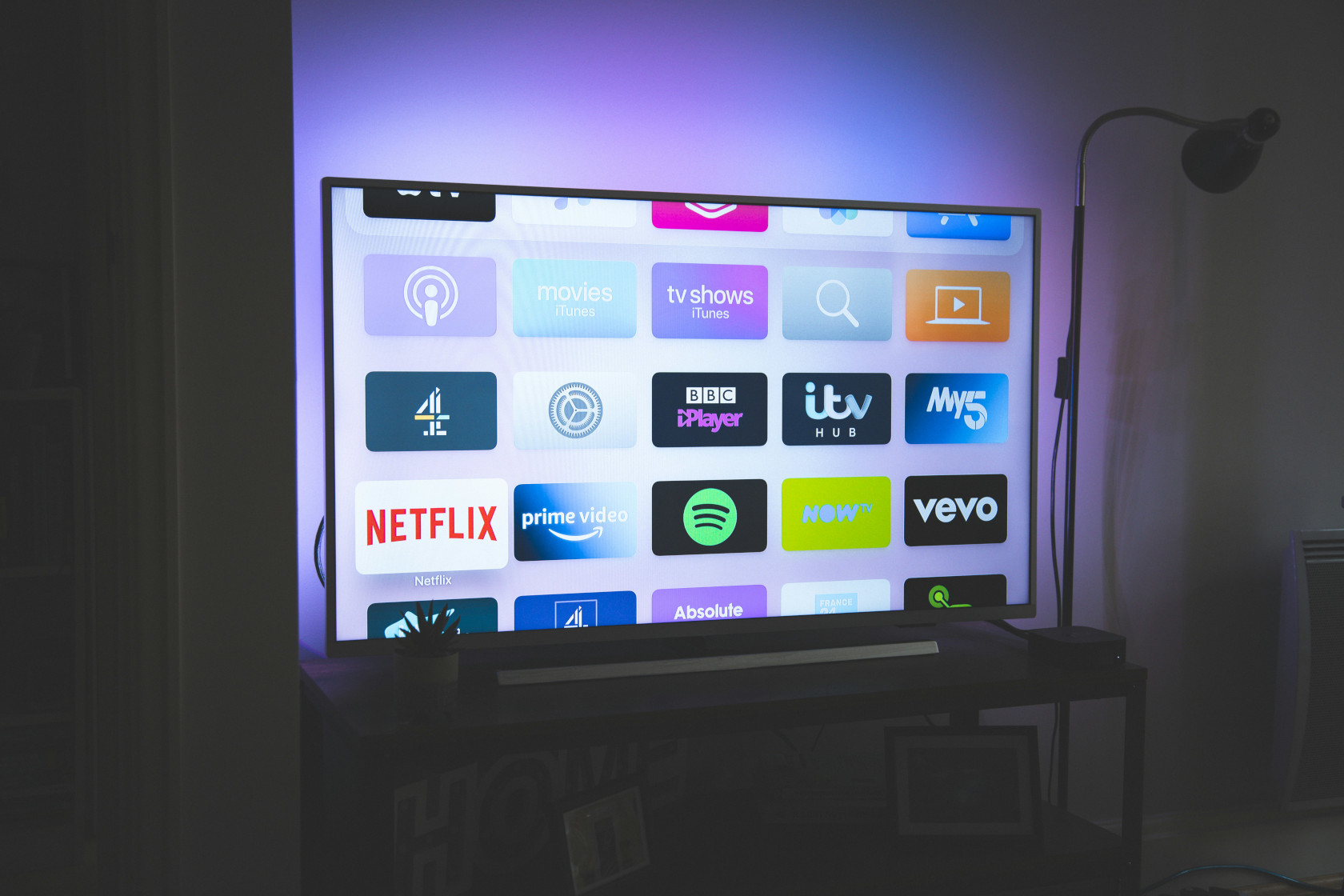
I’ve been experimenting with creating a wireless second screen solution for ProPresenter 7 — something flexible, low-cost, and easy to set up. While ProPresenter supports NDI and SDI output, sometimes all you really want is a second screen, mirrored over the network, without buying more expensive hardware.
So I wrote a Bash script that sets up a prototype AirPlay server on a Linux machine. It’s powered by uxplay, and while I haven’t tested it yet with ProPresenter specifically, it works beautifully as a general-purpose AirPlay receiver.
The Idea
The goal was simple: boot a Linux device into a clean, fullscreen AirPlay receiver environment — no mouse, no desktop icons, no distractions — just a second screen over Wi-Fi, ready to mirror.
Whether you’re a tech volunteer at a church or someone building out a simple AV setup, this gives you a flexible, affordable display without extra cables or dongles.
Under the Hood: What the Script Does
This script automates the process of turning a Debian-based Linux system (like Xubuntu or Ubuntu Minimal + XFCE) into a dedicated AirPlay endpoint.
1. Custom Display Name
You’re prompted to enter a display name, defaulting to the system hostname. Spaces and hyphens are converted to underscores so it’s AirPlay-safe.
2. Root Check & Package Install
The script checks for root privileges and installs all required packages:
uxplay: the AirPlay serverimagemagick: for generating a splash screenunclutter: to hide the mouse cursor after inactivity- GStreamer plugins: for handling streaming media
3. Autostart Configuration
It sets up uxplay to launch automatically at startup with a small delay, and logs output to /tmp/airplay.log.
4. Dedicated User Setup
A new user named airplay is created, with autologin configured through LightDM. This keeps the AirPlay session isolated from other users and makes the experience seamless.
5. Minimal XFCE Desktop
The desktop is customized via a setup script to:
- Set a black wallpaper with a simple “AirPlay server enabled” label
- Hide all desktop icons
- Prevent the screen from sleeping or locking
6. Cursor Auto-Hide
unclutter is configured to automatically hide the cursor after three seconds of inactivity — a small but nice touch for clean displays.
Why This Matters
ProPresenter is a fantastic presentation tool, but setting up remote screens often requires additional hardware like an Apple TV — which can be costly, limited, and non-customizable.
This approach lets you repurpose older or low-cost hardware — a dusty mini PC (in my case, it seemed to contain dryer lint!!), a leftover laptop, or even a Raspberry Pi — and turn it into a perfectly usable AirPlay display. There’s no need to buy expensive proprietary hardware just to mirror a screen.
By using open source tools and Linux, this solution is not only cheaper, but also more transparent and controllable. You get to define exactly how your system boots, behaves, and updates. Plus, you’re not tied to a vendor ecosystem.
For churches, schools, or production teams working on a budget, this is a flexible and sustainable option.
What’s Next?
The next step is testing this setup specifically with ProPresenter 7 and seeing how it handles live output. Even if it needs a few tweaks, it already functions well as a general-purpose AirPlay receiver for mirroring Macs, iPads, or iPhones.
The script is available here on GitHub, and I’d love your feedback. Try it out, fork it, break it, improve it — and if you end up using it in a live setup, I want to hear your story!
Thanks for reading —
Matt
Leave a Reply